
Create a new assessment
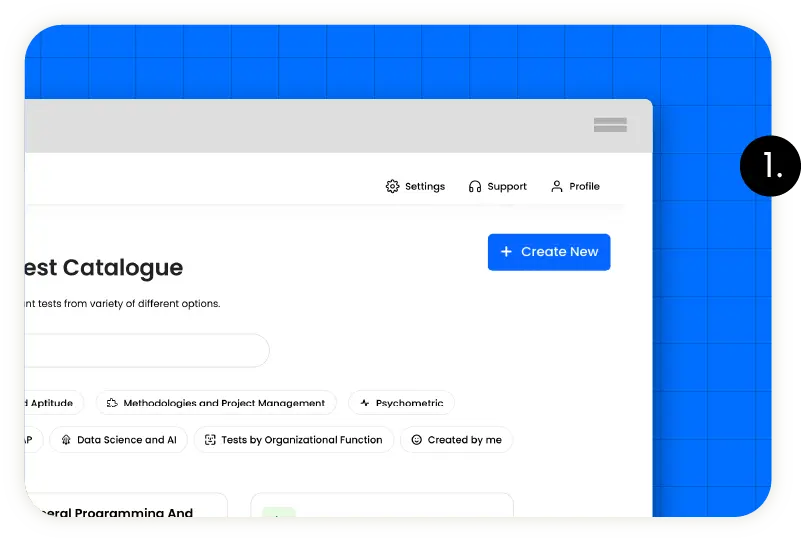
Create a new assessment for your open position in your organization.
Select tests

Browse our library for the skills and knowledge that you want to test and add them to your assessment.
Invite candidates

Send invitations via email or share an evaluation link.
Analyze results

Analyze our detailed reports to find the right candidate for your organization.
View Results
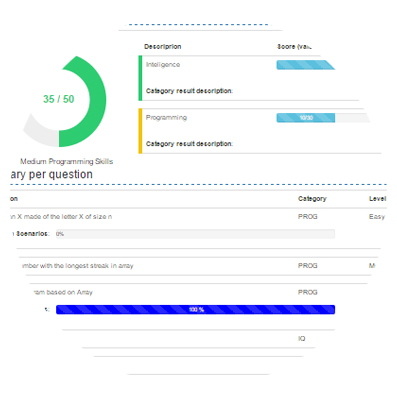
Evalart provides very detailed reports describing the results obtained by the candidate in his evaluation. Reports can show scores obtained, scores by category, description of the score obtained and a classification, as well as details of the answers provided by the candidate, indicating the correct, incorrect and unanswered ones. The results are stored in Evalart, […]
Candidate takes test
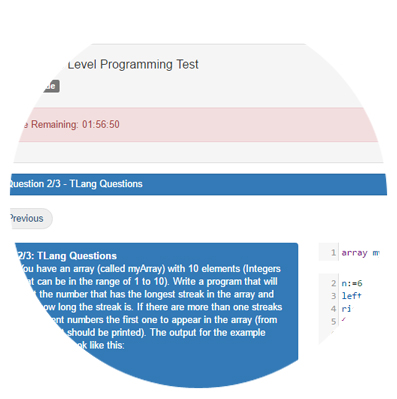
When the candidate receives the email with the link to answer the test(s), he can take it online. Depending on the characteristics selected, the test may have a time limit to respond (either a maximum time to answer the test, such as 2 hours, or a cut-off date to respond by). At any time during […]
Send test to candidates
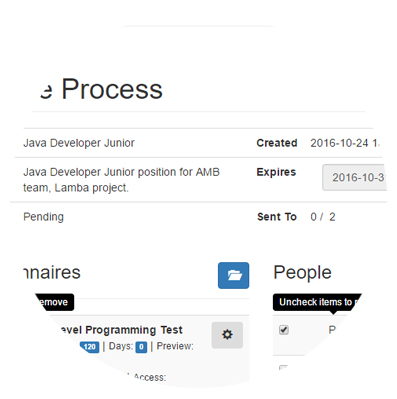
Once you have selected the tests that you will use in your selection process, the next step is to enter the emails of the candidates that you wish to evaluate. Once this is done, you can automatically send personalized invitations to all candidates with a single click. They will receive an email with a link […]
Select or create test
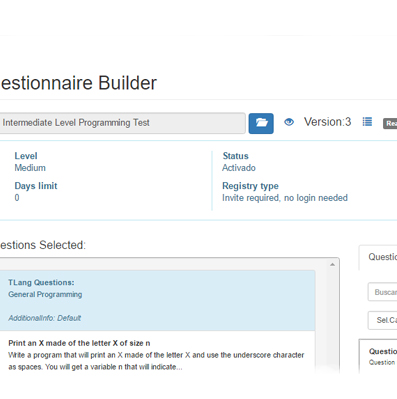
The first step in beginning a selection process is to create the process in Evalart and select the test(s) that will be used in the evaluation. Evalart has an extensive library of tests and questions for its evaluations. You can browse through the various tests to understand their characteristics and view a preview of the […]