Candidate Guide
If you receive an invitation to answer a test or Evalart test you will receive a link to access the test. Depending on the type of test you may need to register before starting the test.
To take the test just follow the link that you received and follow the instructions that are given. Carefully read the information shown during the test and in each of the questions.
If the test that you are going to answer contains programming questions, it is recommended that you read the section about programming questions.
Make sure you have enough time to answer the test if it has a time limit (The time limit is shown before you begin the test). Once a test with a time limit has been started, it is not possible to stop the chronometer, so you cannot stop the test and continue later. The remaining time is shown at all times during the test; once the counter reaches zero, the test will end.
Once you have begun the test, you can navigate through the questions using the “Previous” and “Next” buttons or you can go to any question from the question index that appears when you click on the arrow pointing towards the bottom right end of the blue bar on top.
If you close the test window or browser tab by mistake, you can resume the test by clicking on the original link that you received. Once a test is finished it is not possible to restart it.
Programming questions require writing the code for a program that preforms the action that the question requires. The question will indicate the language in which the program should be written. In many cases, these types of questions contain additional help that can be viewed by clicking on the “i” button in the upper right corner.
All questions contain an IDE where the program will be written.

(1) Some questions contain one or more lines of predefined code to declare certain variables that should be used in the code that will be entered. Be careful not to modify the names of the variables in this section as this could mark the question as invalid. When the predefined code is modified, an indicator is activated reflecting this change.
(2) The refresh button restores the original value of the predefined code lines. This is important since you can modify the values in the predefined code section to test other scenarios.
(3) Write the code in this box (Be careful not to write the code in the upper section of predefined code, as this will invalidate the answer).
(4) The RUN button will execute the entered code (The combination of the predefined code and the code entered by the user). Next to the execute button there are some indicators that will reflect the result of the execution.
(5) This indicator reflects if the code has already been executed and if it has any syntax errors.
(6) This indicator reflects if the code has already been executed and if it has been validated, that is, if it has delivered the expected results. It is important to emphasize that this validation only verifies that the result is the expected result for the default value.
(7) The output table shows the output of the execution or any error message obtained when executing.
(8) The text of the question always appears on the left in a blue background.
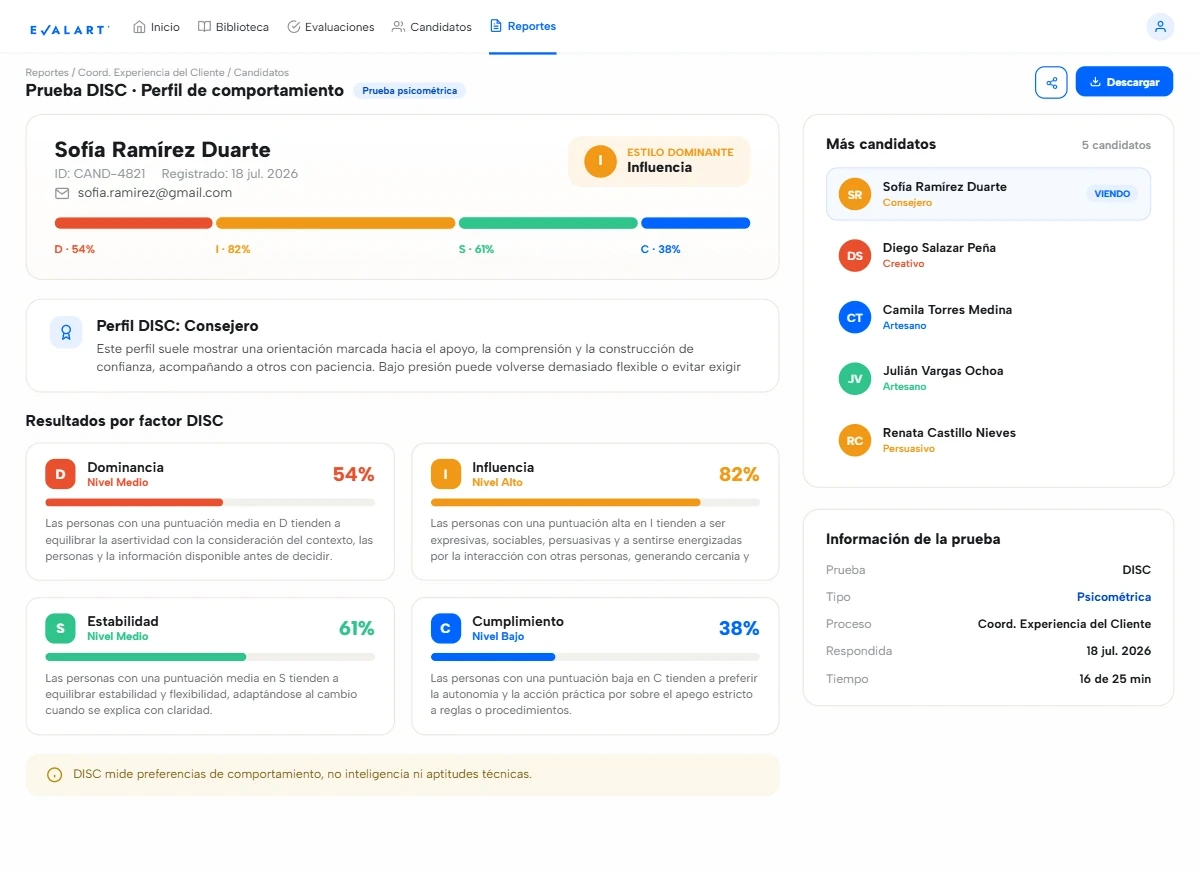
In general, the results are only visible to the person who sent the test and not to the person who answers it, although some tests give the option to see the results report. In these cases the report will be available on the main page of the candidate (which you can access after finishing the test).
No, you should not use any type of help during the test unless the test or question explicitly indicates it (in which case it will be indicated exactly what questions you can ask). The objective of these tests is to determine if the candidate fits the profile and if so, continue with the process. Asking for help or using the Internet to search for answers will only cause both the evaluator and the candidate to waste time in subsequent tests where greater controls can be applied.
No, you should not write any validation unless the question explicitly requests it. For example, if a question says to print the first n prime numbers and the predefined code includes something like:
n = 5
Then it is not necessary to validate that n is a number or that n is greater than zero unless the question explicitly indicates that some kind of validation should be applied.
The test will be evaluated with the questions that you answered before the test ended. Note that even when the test time runs out, you must click on the Finish button. If the time ends while you are taking the test, the option to end the test will appear and you must accept it. (Otherwise the test it is considered abandoned). If for some reason you cannot finish the test and close the browser before finishing, once the time expires the test is considered abandoned.
If you’re having trouble starting a test received via email, we recommend checking the following:
- Valid link: Ensure you are using the correct link sent in the email.
- Expiration date: Some tests have a deadline. Confirm that the test is still active.
- Browser and connection: Try opening the test in an updated browser and ensure you have a stable internet connection.
If the issue persists, contact the support team at cpimentel@evalart.com or the recruiter who sent you the test for further assistance.
No, you should not use any external help during the test unless explicitly allowed by the test or question (in which case the permitted resources will be clearly stated). The purpose of these tests is to evaluate whether you fit the profile and, if so, proceed with the process. Seeking help or searching online for answers will only waste time for both the evaluator and the candidate in subsequent tests where stricter controls may be applied.
No, you should not write any validation unless the question explicitly requests it. For example, if a question asks you to print the first n prime numbers and the predefined code includes something like:
n = 5
Then it is unnecessary to validate whether n is a number or greater than zero unless the question explicitly states that some kind of validation is required.
The test will be evaluated based on the questions you managed to answer before the time expired. Note that even after the test time ends, you must finalize it. If the time runs out while you are taking the test, you will see the option to finalize, and you must confirm the submission. (If you fail to do so, the test will be considered abandoned.)
If for some reason you cannot complete the test and close the browser before finishing, once the time expires, the test will also be considered abandoned.
You will need to contact your recruiter to request a test reset.
No, once a test is completed, it cannot be restarted. Contact the recruiter if you need additional assistance.
No, once you leave a process by selecting the option “I do not want to continue in this process,” you will not be able to re-enter.
Webcam data is encrypted and used solely for identity verification and fraud detection during the test.
In general, the results are only visible to the person who sent the test, not to the test taker. However, some tests may allow you to view the result report.