How to Conduct a Good Remote Interview

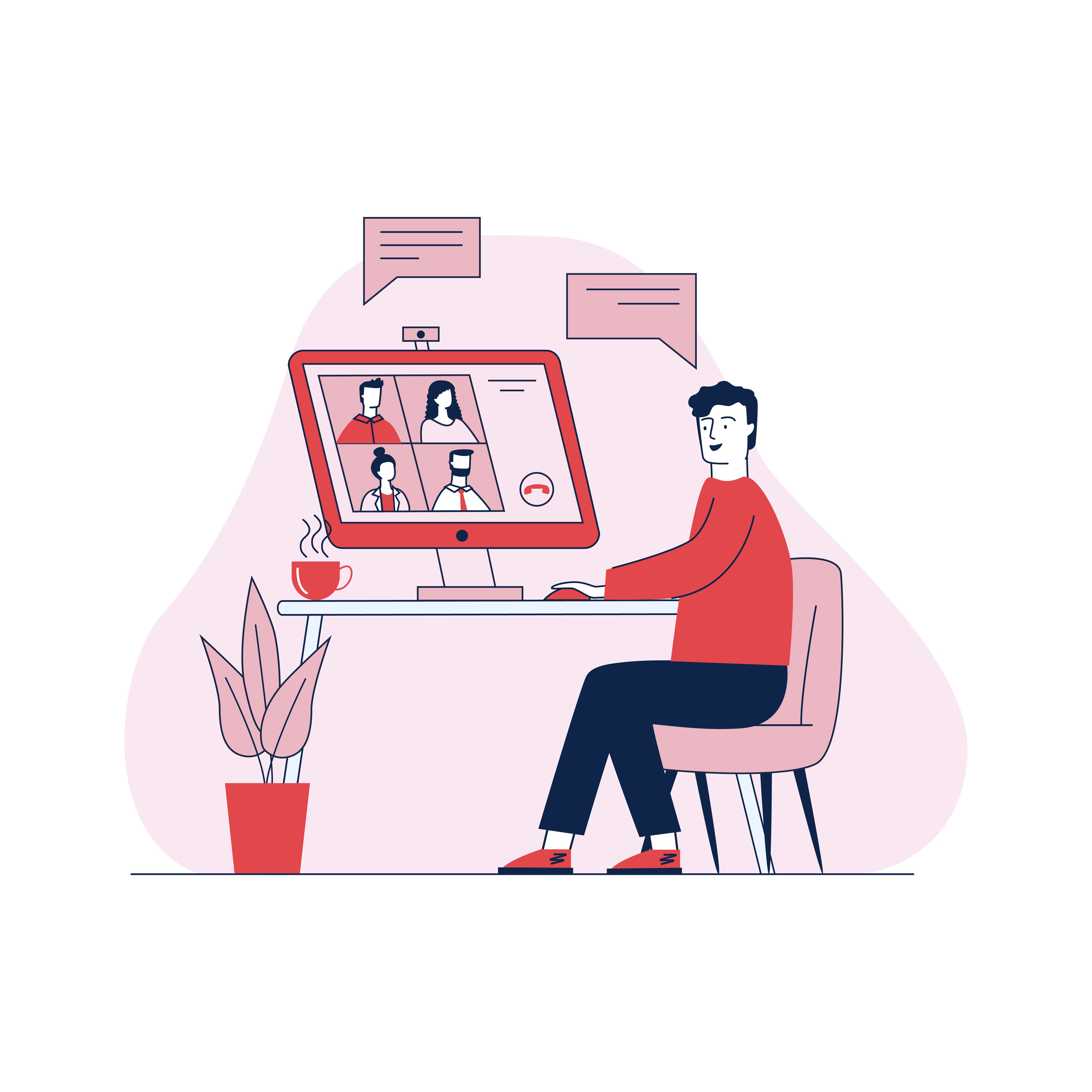
As the COVID-19 pandemic forces more people (including recruiters) to work remotely, remote job interviews are becoming increasingly common.
This is something that could intimidate even the most experienced recruiter, since, while the fundamentals of traditional interviewing are still valid for videoconferencing, a remote interview comes with an extra set of new challenges and considerations that must be taken into account.
That is why we have compiled our top tips for preparing and conducting an effective remote interview.
Prepare your equipment
When performing any remote process, it is important to seek communication solutions that best reproduce the benefits of in-person interactions. Especially when conducting an interview. To do this, try to use the appropriate communication tools for the various stages of the interview process. For example, an optimal microphone, camera, and software.
It is also important to perform a technical test of your videoconferencing platform at least two hours before the interview, giving yourself enough time to adapt if something does not work. Check your computer's camera, microphone, and Internet connection, and make sure you know your login information, especially if you have not used the videoconferencing application or tool in a while.
If you are using a laptop, tablet, or smartphone, check your WiFi connection and make sure it is ready to go and has enough charge to carry out the entire interview process. And, finally, log on to the platform several minutes before the interview to give yourself time to settle in.
Inform candidates about the basic requirements
Communicate in advance the basic requirements for joining the videoconference. For example, internet access, the application or software that will be used to conduct the interview, headphones, a microphone, a quiet environment with no distractions, etc. That way, the candidate will be able to prepare in advance.
Find the right setting
When preparing for your interview, choose a quiet place where you will not be interrupted. Make sure the background the candidate will see during the interview is free of any distractions. Many videoconferencing applications allow you to set a blank background. Adjust the lighting using a desk lamp or natural light to eliminate shadows.
Be careful of pets and children who may want to appear in the background and distract the interviewee. Place a note on your door saying you are not available.
Avoid having remote interviews in high-traffic areas of your home, and do not forget to turn off alerts and chat notifications during the interview.
Prepare a Plan B
What if, despite all your preparations, the platform you planned to use starts to fail? Make sure you have the candidate's email and phone number handy so you can easily contact them in case of a technical problem. In this case, you could continue the interview by phone.
A common problem in interviews via videoconferencing platforms is the speed of the internet connection. If more than one person is online in an apartment, home, or office at the same time, it can cause delays or other problems with the platform. Try to schedule the interview at a time when there are fewer people in your home connected to the Internet.
Remember to be a good listener
Face-to-face interviews provide the interviewer with many opportunities to demonstrate that they are really listening to the other person, which is possible through small signals or gestures. However, during a remote interview it can be difficult to convey any of these signals or gestures, but it is not an impossible task.
Fortunately, there are several ways to show active listening during a remote interview. For example, look at the camera as a way to replicate eye contact, make brief pauses so the candidate can think about their answers, and be sure to smile and laugh when appropriate, as you would in person.
Dress properly
Dress as you would to go to work. Even if you are at home, please do not conduct the interview in your pajamas! Also, try to use solid, neutral colors, as patterns can appear distorted on the screen and distract the interviewee. Adjust your camera to your eye level and leave a little room for your head.
Watch your body language and tone of voice
As in a face-to-face interview, it is important to watch your body language, facial expressions, and the tone of voice with which you address the candidate. Since this is a videoconference interview, too many gestures will distract the interviewee and may distort the message.
Be aware of your body's movements, and make sure your gestures are comfortable and natural. Avoid sudden or too fast movements, as this could also distract the interviewee.
During this type of interview, remember to maintain your energy level and smile as you speak. Think about the tone of your voice and speak with projection and clarity. Show the other person that you are really involved in the conversation.
Finally, when the remote interview is over, explain to the candidate the next step and the estimated time the selection process will take. Ask if they have any questions and do not forget to thank them for their time before ending the videoconference.
Ready to improve your hiring process?
Start using psychometric and technical tests today, at no cost.